
Download Magic Burning Toolbox – burn, audio, video, disk, backup, data, tool, utility, media, file
Overview
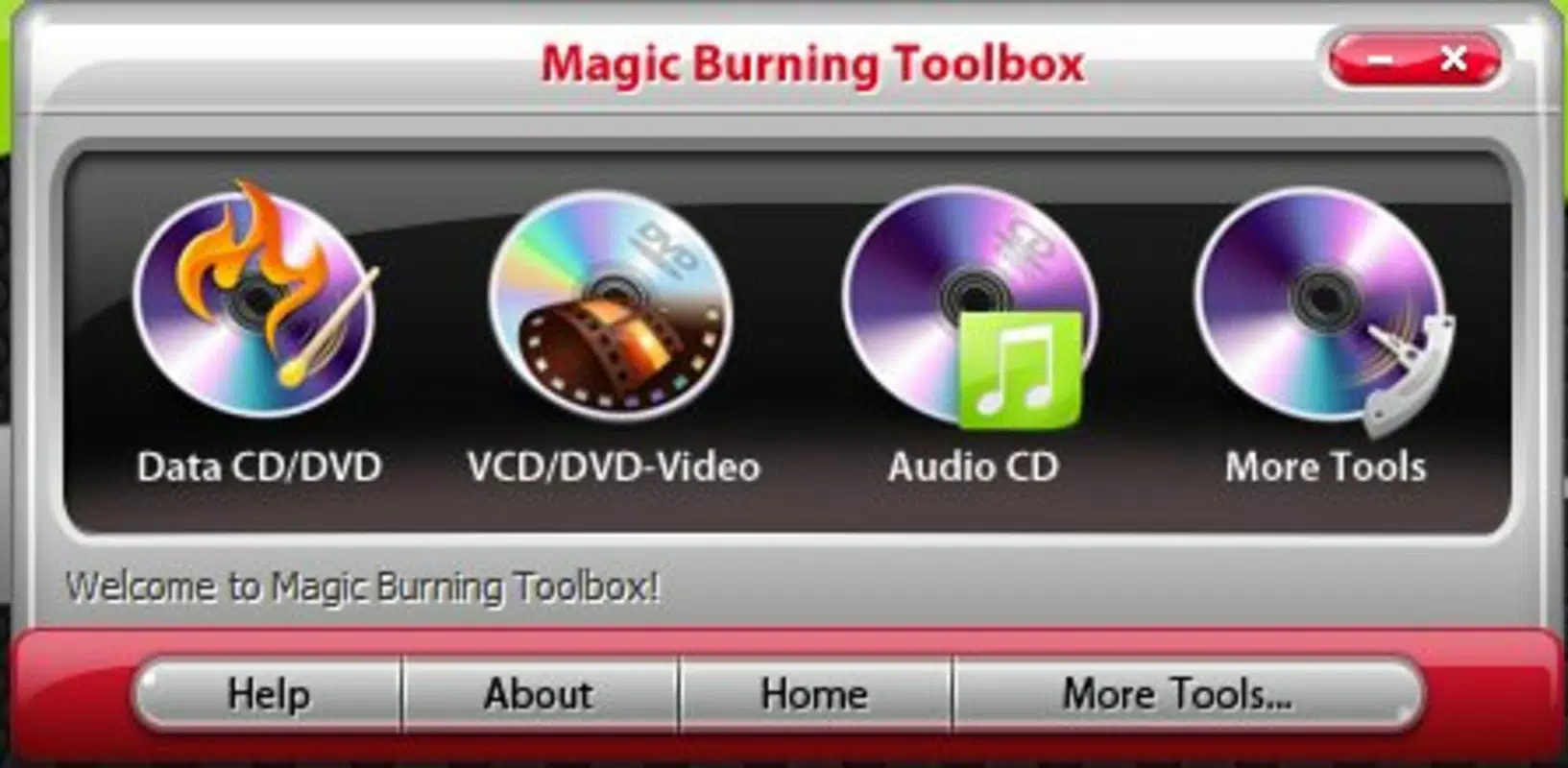
Magic Burning Toolbox is a mobile utility designed to streamline the process of burning audio and video files onto physical media, as well as creating data disks and backups. The app serves users who need a reliable way to store digital content on CDs, DVDs, Blu-rays, or HD-DVDs, ensuring long-term data preservation and accessibility. It is particularly useful for individuals managing large media libraries, educators archiving classroom materials, or professionals preparing presentation discs for clients. The app’s focus on compatibility with various disk formats and file types makes it a practical solution for those seeking to maintain control over their digital assets without relying on cloud storage.
Target users include tech-savvy individuals, content creators, and anyone requiring offline storage solutions. While the developer, Magic Software, is listed, no further details about the company’s background or other products are available. The app was released on November 26, 2013, indicating it has been in the market for over a decade, which suggests a level of stability and user familiarity. Its continued presence on Android devices highlights its niche role in the productivity ecosystem, especially for users who still rely on optical media for data backup and distribution.
Real-world use cases include backing up family photos and videos, creating music CDs for personal or professional use, and preparing installable media for software distribution. The app fills a gap in modern mobile environments by offering offline, physical media management tools that are increasingly rare on smartphones and tablets.
Key Features & Functionality
- Support for Multiple Disk Formats: Magic Burning Toolbox enables users to burn content to CD, DVD, Blu-ray, and HD-DVD media. This broad compatibility allows users to select the most suitable storage medium based on capacity and intended use, whether for short-term sharing or long-term archival.
- Updateable Disks: A standout feature is the ability to modify disk content after initial burning. Users can add or remove files before finalizing the disc, eliminating the need to start the process from scratch and improving workflow efficiency.
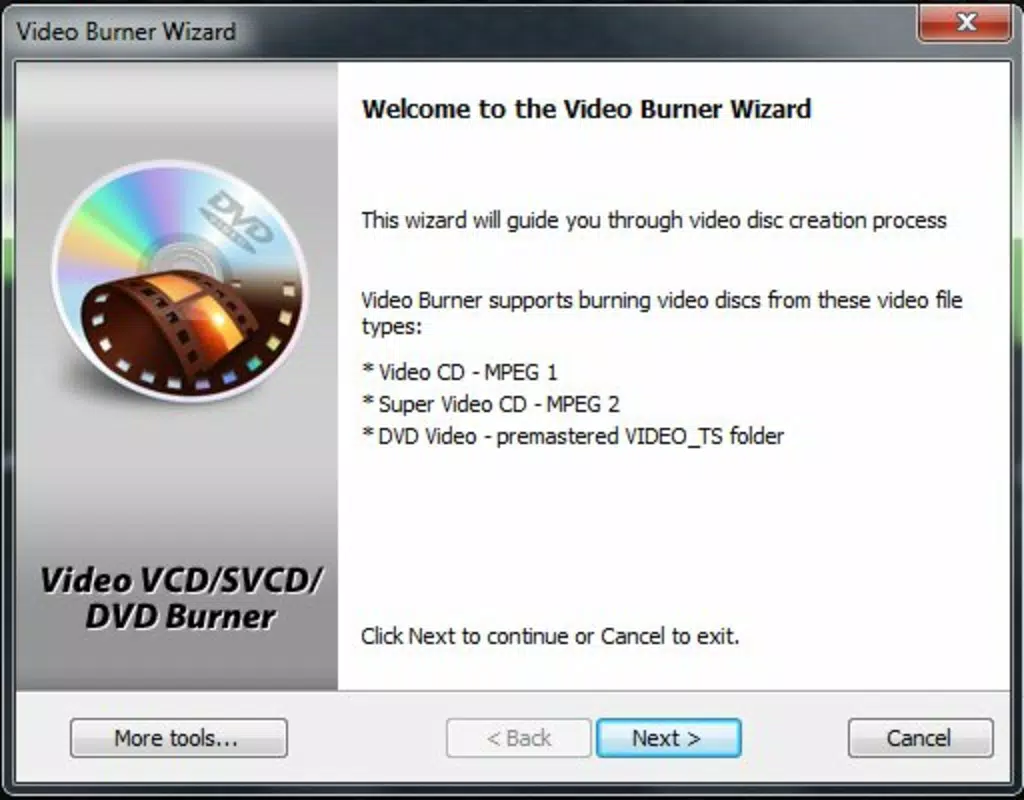
- Wide Format Support: The app handles a variety of video formats including AVI, MPG, and MP4, along with high-definition options. For audio, it supports MP3, WAV, and OGG, ensuring compatibility with most playback devices and systems.
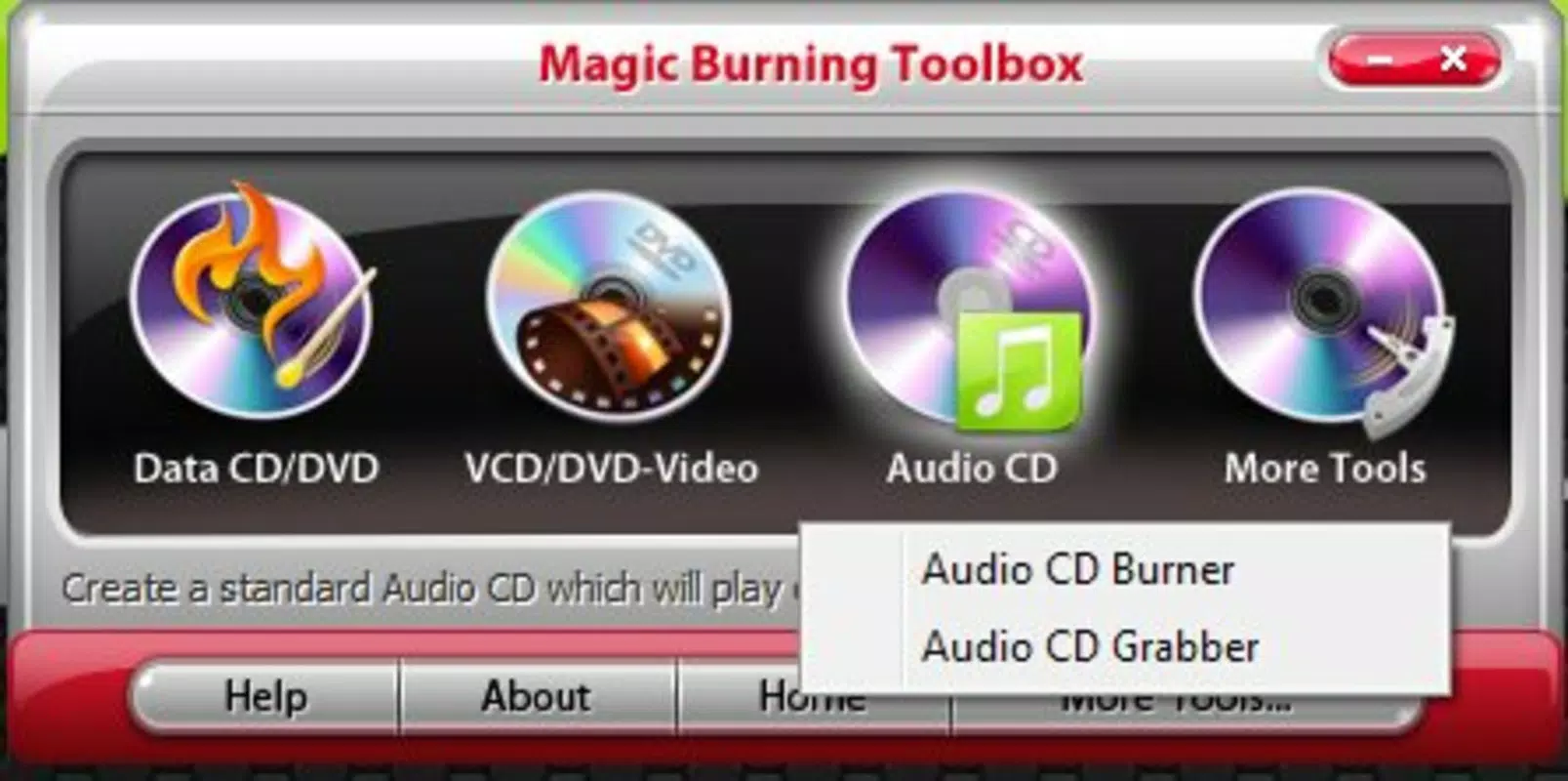
- Audio CD Extraction: The tool includes a built-in feature to rip audio tracks from physical CDs and convert them into digital files on the device. This allows users to digitize their music collections and store them in preferred formats for playback on any device.
These features are especially beneficial in scenarios such as organizing a personal music library, preparing multimedia presentations, or archiving important documents. The ability to update disks reduces waste and saves time, while format versatility ensures users aren’t limited by file type restrictions. The app provides a focused, functional experience tailored to users who value control, flexibility, and data integrity.
Interface, UX & Performance
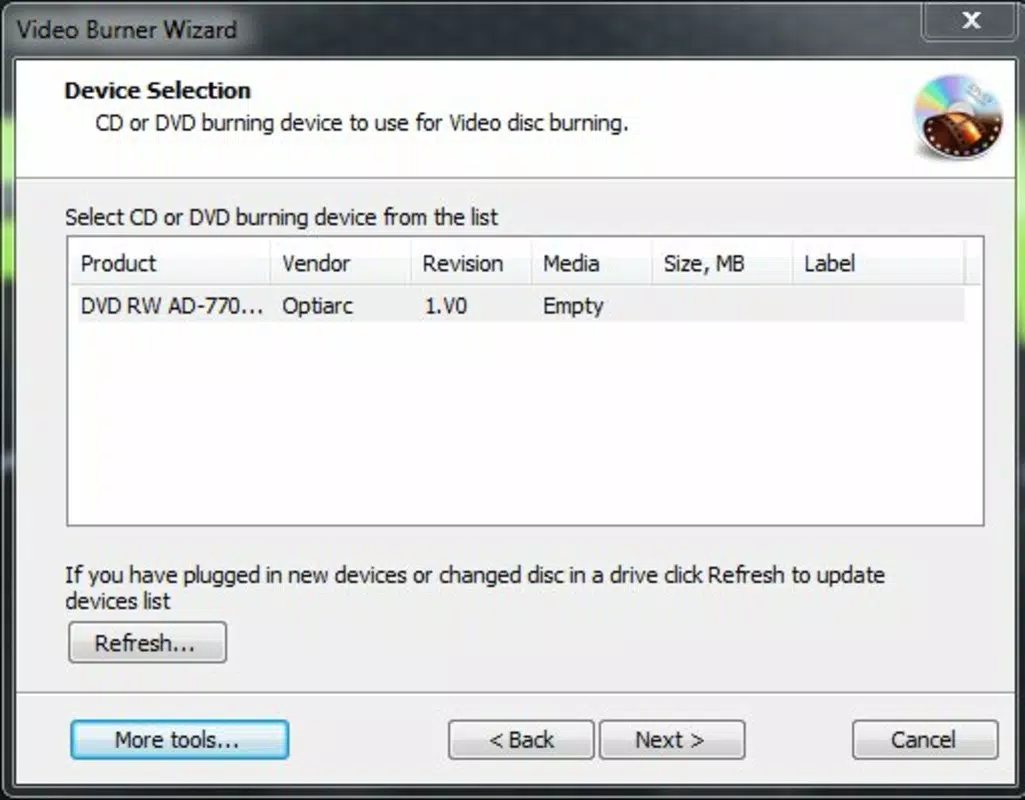
The user interface of Magic Burning Toolbox appears designed for straightforward navigation, prioritizing functionality over visual flair. Users can access core features such as disk creation, file selection, and format configuration through clearly labeled menus and buttons. The layout is likely structured to guide users through a step-by-step burning process, minimizing confusion during setup.
Navigation flow emphasizes simplicity, allowing users to select files, choose a disk type, and initiate burning with minimal steps. The app’s responsiveness is expected to be consistent across mid-range and high-end Android devices, though specific performance metrics were not disclosed. Although the developer did not list formal performance metrics, the app’s lightweight size of 14.8 MB suggests efficient resource usage and quick load times.
Stability is likely maintained due to the app’s long-standing presence on the platform. However, without detailed information on compatibility with current Android versions or hardware, users should exercise caution when installing on newer devices. The absence of real-time progress tracking or error alerts in the provided description implies a basic feedback system, which may affect user confidence during longer burn processes.
Platform Compatibility & Technical Requirements
Magic Burning Toolbox is available exclusively on the Android platform. The current version is 1.0.2, with a file size of 14.8 MB. The app is offered at no cost, making it accessible to a broad audience. However, the developer did not specify minimum OS requirements or device compatibility details.
Given the release date of November 26, 2013, it is possible that the app was originally designed for older Android versions. Users on modern devices may encounter compatibility issues, especially if the app relies on deprecated APIs or lacks support for newer hardware features. The absence of updated technical specifications raises questions about long-term usability on current smartphones and tablets.
Despite this, the app’s small footprint and lack of complex dependencies suggest it may still function on a range of devices, particularly those with standard storage and processing capabilities. Users should verify functionality on their specific device before relying on it for critical tasks.
Pros and Cons
Pros
- Free to download and use, making it accessible for budget-conscious users.
- Supports multiple disk formats including CD, DVD, Blu-ray, and HD-DVD.
- Allows users to update disk content before finalizing, reducing the need for re-burning.
- Wide compatibility with common audio and video file formats.
- Includes audio CD extraction, enabling digitization of physical music collections.
Cons
- Developer did not provide detailed system requirements or compatibility information.
- App was released in 2013, raising concerns about support for modern Android versions.
- No visible progress indicators or real-time feedback during the burning process.
- Limited visual design and interface polish compared to contemporary apps.
- Compatibility with current devices is uncertain due to outdated release date.
FAQ
Is Magic Burning Toolbox safe to download and install?
The app is available for free on Android and does not require additional permissions beyond basic storage access. However, users should ensure they download it from a trusted source to avoid modified or malicious versions.
Can I use Magic Burning Toolbox on iOS devices?
No, the app is currently only available for Android. There is no official iOS version or information about future releases.
Does Magic Burning Toolbox support modern video formats like HEVC or 4K?
The app supports common formats such as AVI, MPG, and MP4, but specific support for HEVC or 4K video was not confirmed in the provided information.
How do I update a disk after burning has started?
The app allows users to modify disk content before finalizing the burn. This feature enables adding or removing files without restarting the entire process.
Is the app regularly updated?
As of the latest information, no update details are available. The app’s last release was in 2013, which suggests it may not receive ongoing maintenance or improvements.
Final Thoughts
Magic Burning Toolbox remains a niche yet functional tool for users who still rely on physical media for data storage and backup. Its ability to handle multiple disk formats, support a wide range of file types, and allow disk updates makes it a practical choice for specific use cases. While the app’s age and lack of modern updates present potential compatibility challenges, its lightweight design and free access offer value to those needing a straightforward burning utility.
It is best suited for users with older Android devices, or those who prioritize offline, tangible storage over cloud-based solutions. For individuals managing media collections or preparing physical copies of digital content, Magic Burning Toolbox delivers a focused, no-frills experience.
Download Magic Burning Toolbox now


